Camera conversion in
Auto Convert reads the clip's camera metadata and brings it into DaVinci Wide Gamut. When the metadata isn't there, manual input color space and gamma controls are.

Color finishing for DaVinci Resolve. HansOnGrades puts one consistent look across every clip in the timeline — set it up in the standalone Edit Studio, apply it from the Edit page, and stop rebuilding the same grade clip by clip.
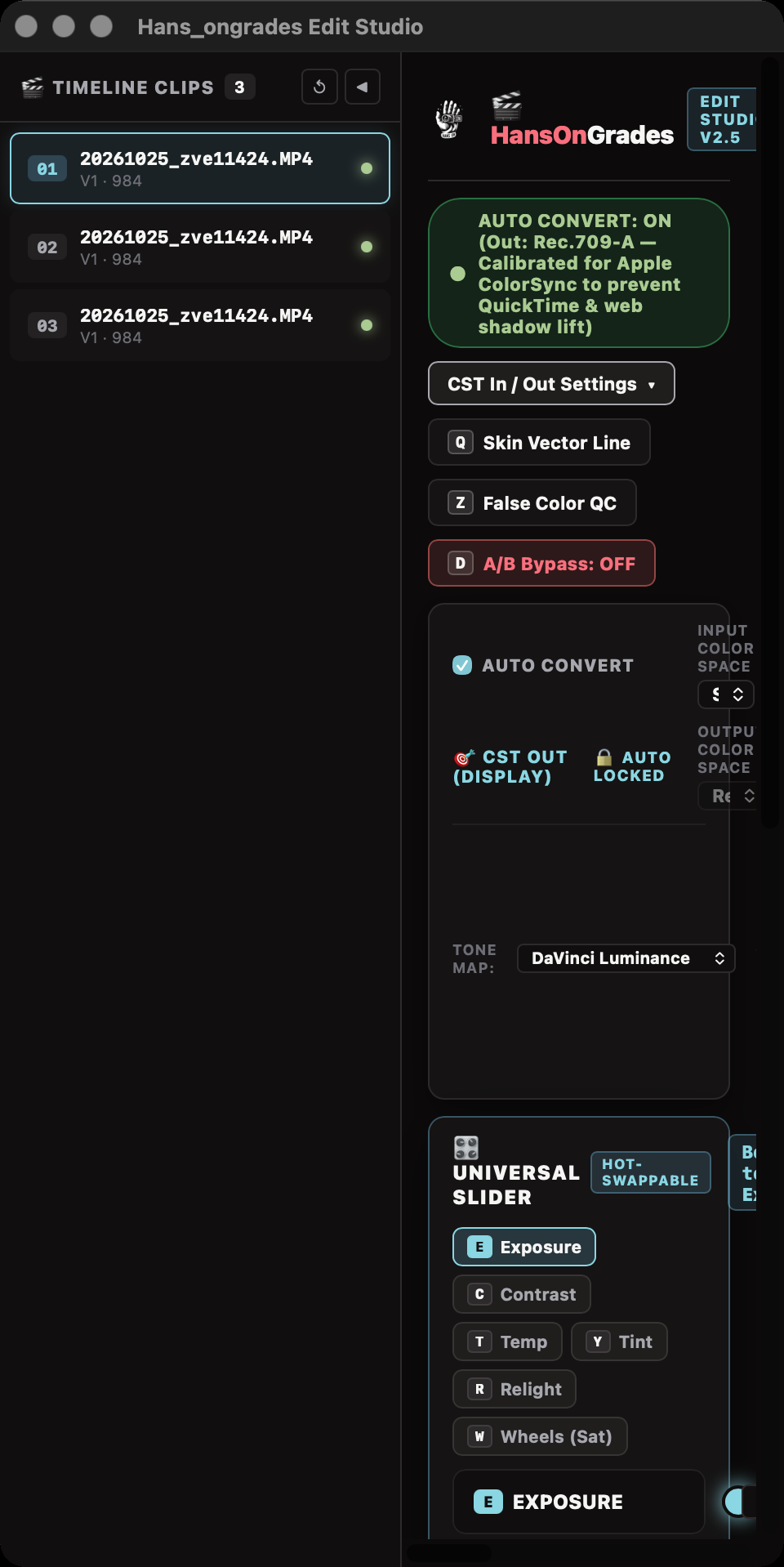
The Edit Studio is the standalone companion app: the full control surface on its own window — camera conversion in, display transform out, exposure and balance, three-way wheels, saturation, relight, and presets, laid out in one screen with no hidden tabs.
The Edit page effect is how the grade lands in Resolve. On a clip without the effect, the standalone applies it through the Edit page Effects panel — the same as dragging it on by hand. A Reset button takes it back off, and the app notes that it was applied automatically, so you always know what happened and can reset it or remove it from the Fusion page.
Auto Convert reads the clip's camera metadata and brings it into DaVinci Wide Gamut. When the metadata isn't there, manual input color space and gamma controls are.
Output color space and gamma stay yours to set — Rec.709, sRGB, P3-D65, Rec.2020 — with tone mapping and gamut mapping, and a live readout of where the clip is headed.
Exposure, contrast, temperature, and tint on precision sliders with numeric readouts. Double-click resets. No hunting through node trees for the four controls you touch on every clip.
Shadows, midtones, and highlights wheels in the Resolve style, with luma and strength — the regional control a finishing pass actually runs on.
Primary and parallel saturation, color density for rich hues that shouldn't go neon, master saturation, and a single relight composite control for shaping light after the fact.
Master looks live in fixed bins. Your own presets can be saved, renamed, duplicated, and exported as JSON — build a look on one machine, carry it to the next.
Skin vector line and false color overlays sit one click away, so skin tones and exposure get a real check before you call a grade done.
Single-key targeting for the main controls, arrow-key nudging with fine trim, clip-to-clip navigation, and an A/B bypass key to compare against the ungraded frame.
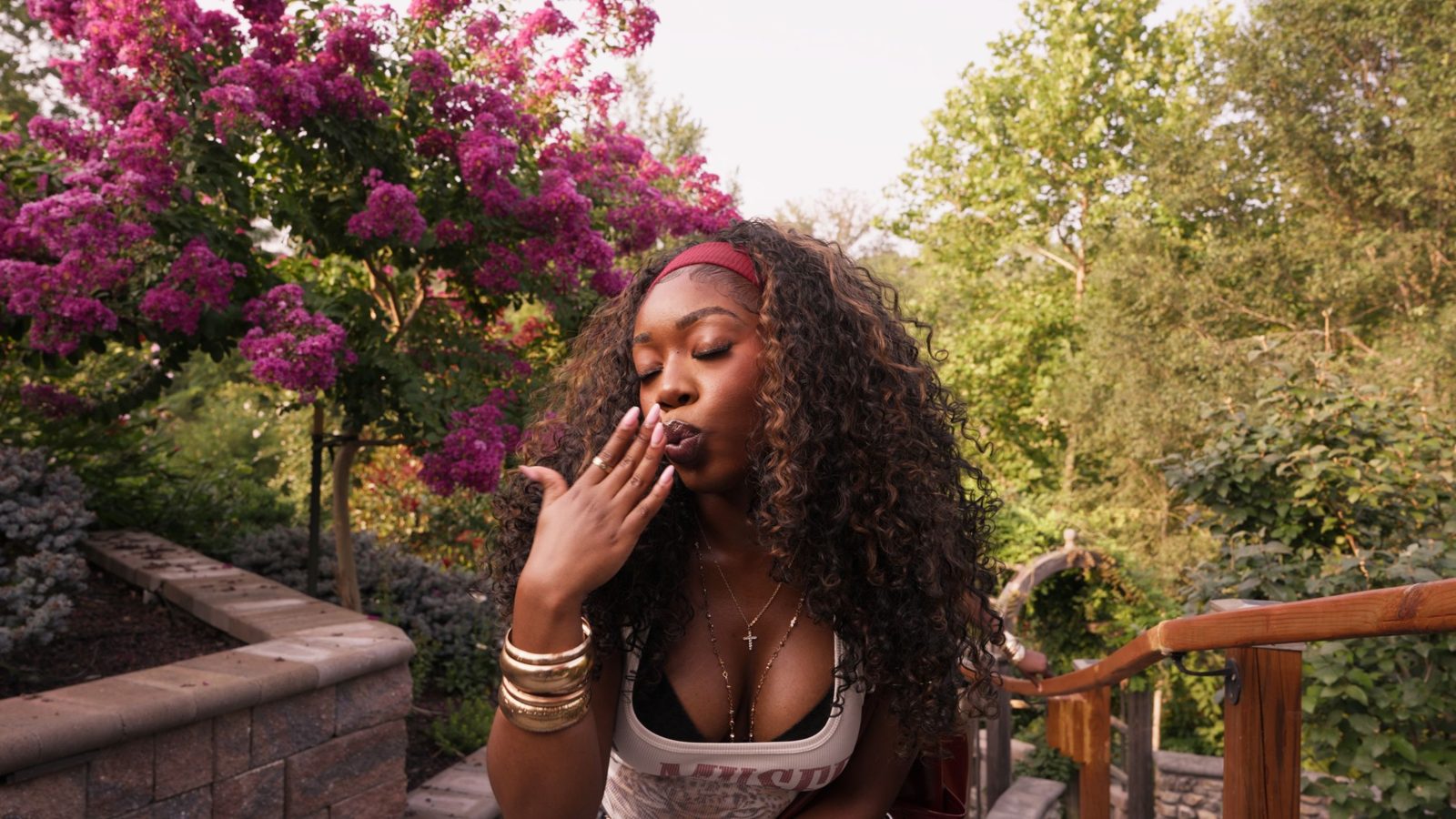
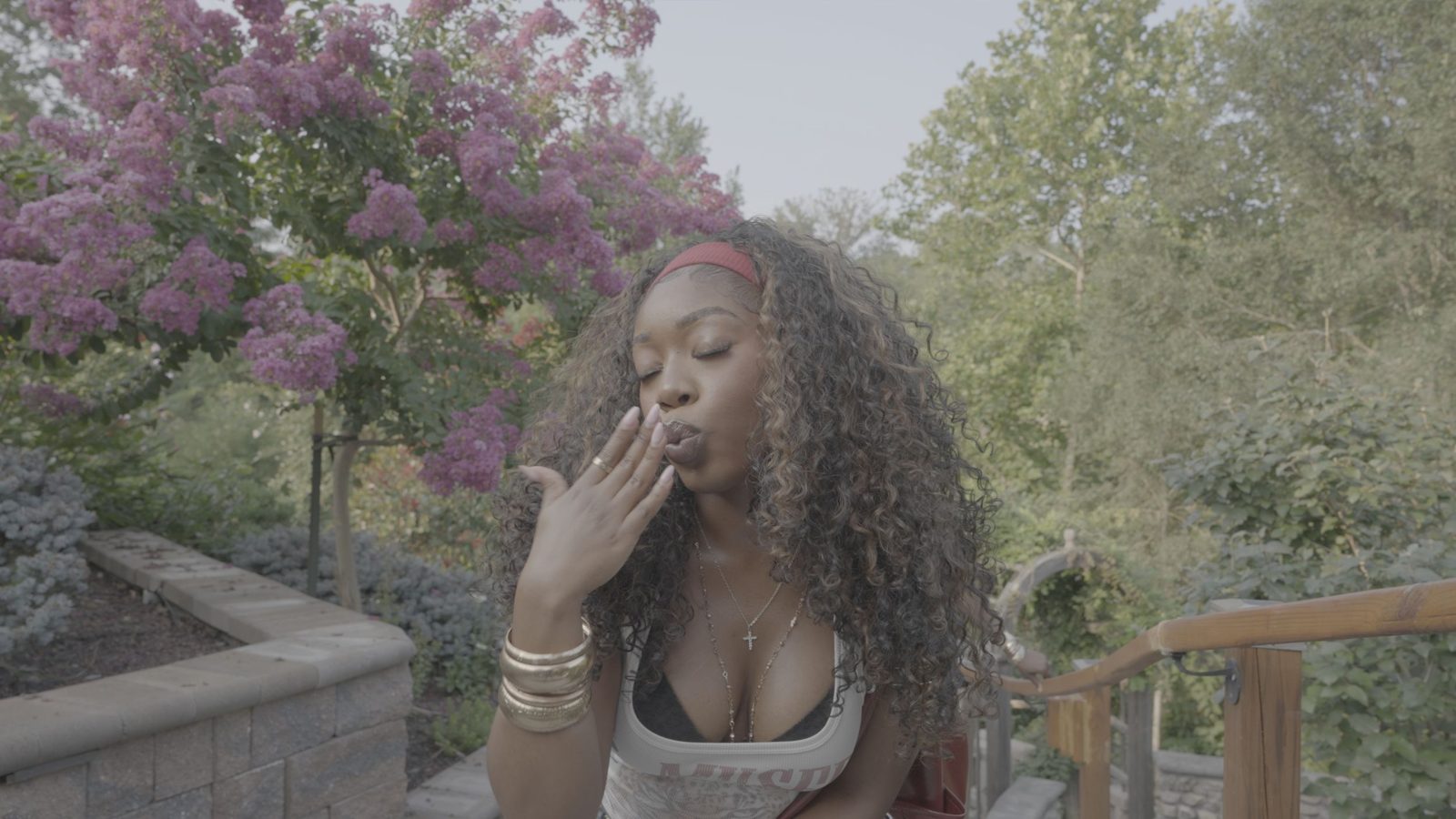
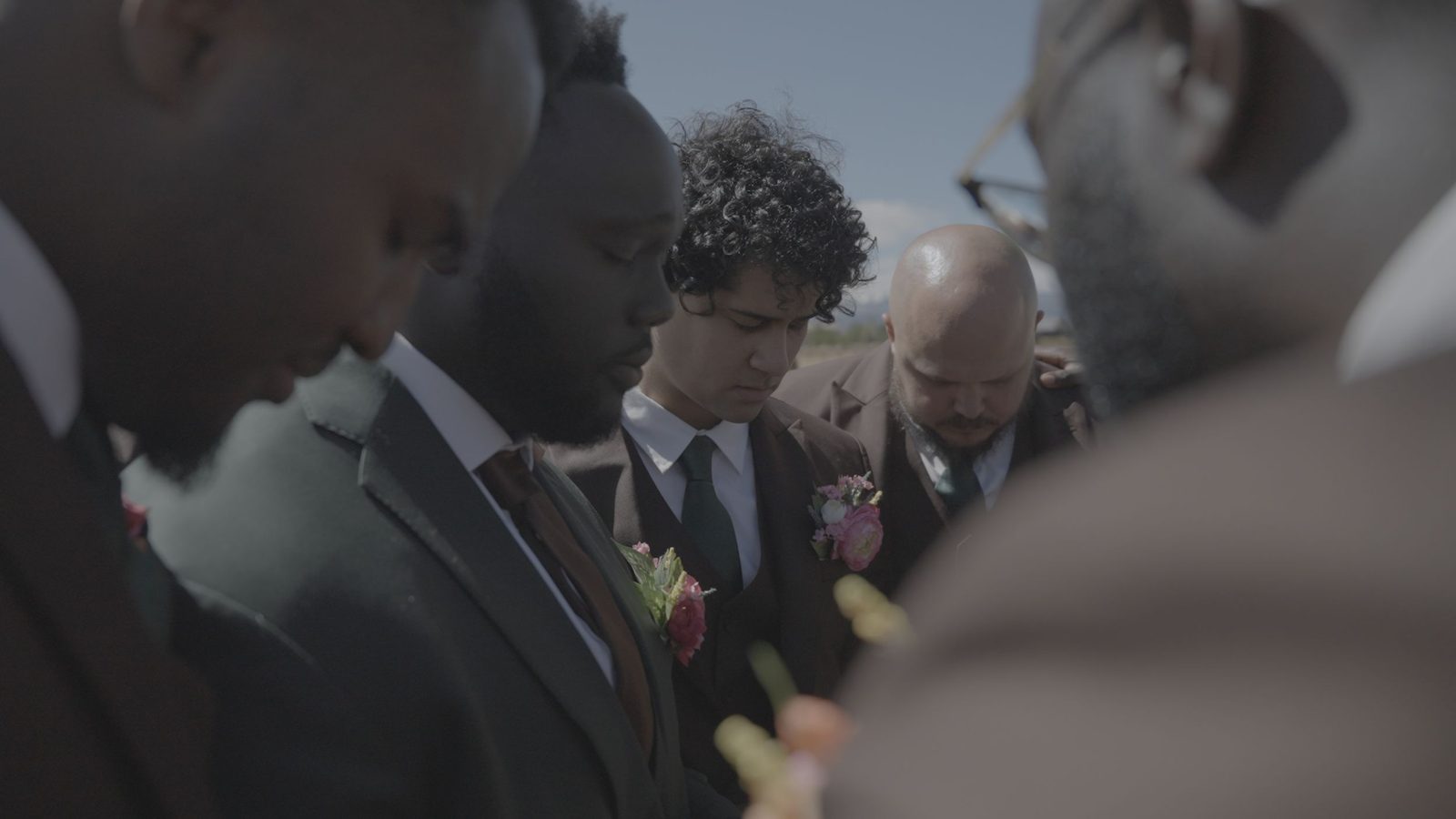
Client work from hansonthecut.com. Drag the sliders: the flat camera original on the left, the HansOnGrades finish on the right.



HansOnGrades is a one-time purchase that runs on your Mac and works offline — not a subscription that stops working when a payment does. It was built inside a working production company’s Resolve pipeline, and it shows in what it leaves out as much as what it includes.
Skip it if you don't finish in DaVinci Resolve — Grades lives there, as an Edit-page effect plus a standalone companion app.