Universal format intake
Camera RAW — .ARW, .CR3, .NEF, .RAF, .ORF, .RW2, .DNG — is demosaiced at full bit depth. Baked .JPG, .PNG, and TIFF files are welcome too, with a clear latitude warning before they run.

Batch photo polish for working photographers. Point HansOnEnhancer at a shoot folder — RAW or baked — and finished files come out the other side. Your originals are never touched.
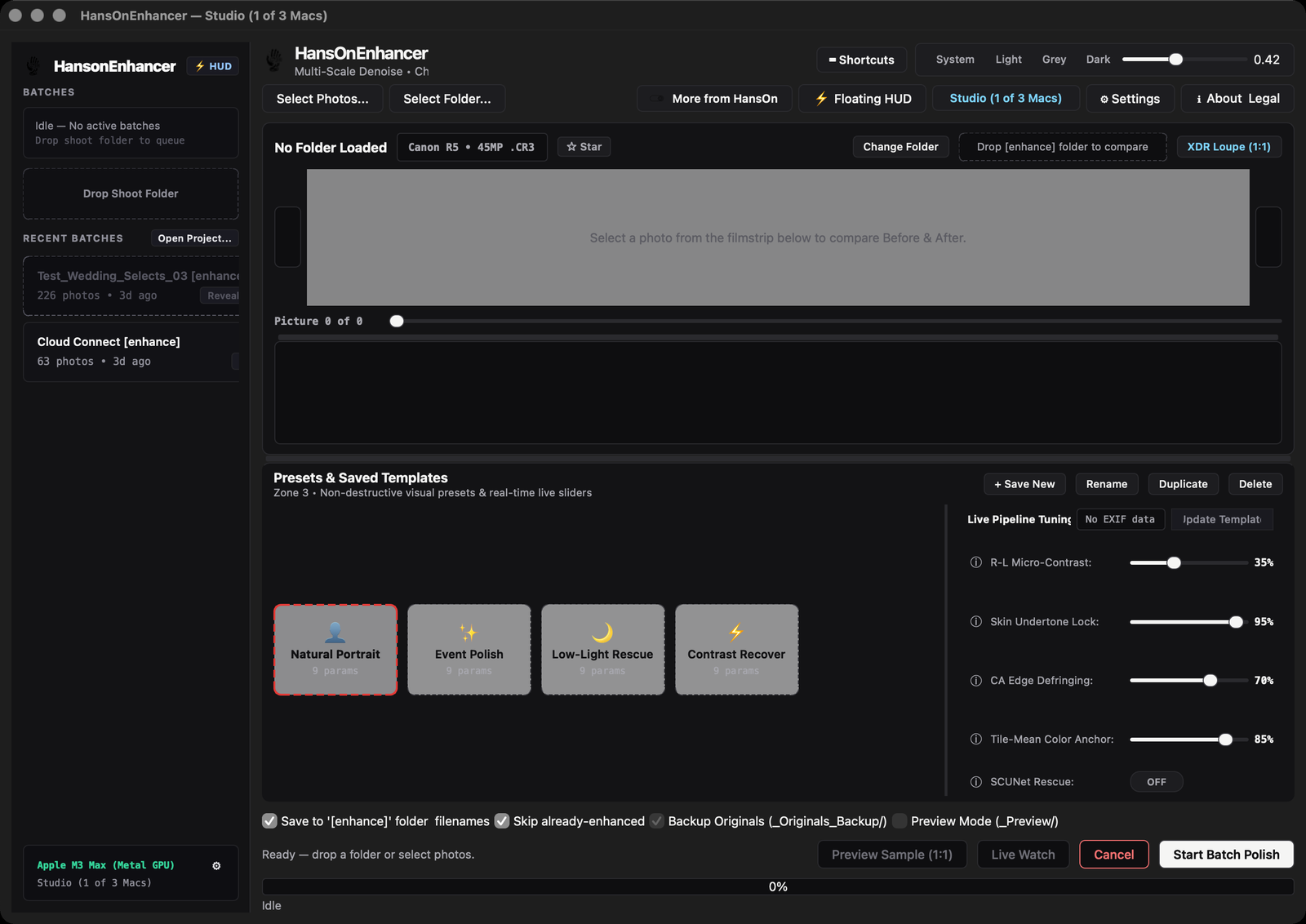
Drop a shoot folder on the floating HUD or add it in the main studio window. Enhanced copies land in a sibling folder — Shoot [enhance] — named file for file, so the finished set sits next to the originals and nothing is ever overwritten.
Live Watch keeps a watched folder current during tethered shooting and same-day event delivery: new frames are enhanced as they land. Smart Resume remembers what is already done, so an interrupted batch — or a folder you add to later — picks up where it left off instead of starting over.
Camera RAW — .ARW, .CR3, .NEF, .RAF, .ORF, .RW2, .DNG — is demosaiced at full bit depth. Baked .JPG, .PNG, and TIFF files are welcome too, with a clear latitude warning before they run.
RAW in, 16-bit linear DNG or lossless 16-bit TIFF out, written to a sibling folder named for the shoot. The grading latitude you shot for is still there in Lightroom or Capture One.
32-bit float CIELAB processing with tile-mean color anchoring holds color locked across an entire gallery — no frame-to-frame drift between the first photo of the day and the last.
Full-spectrum skin protection across the Fitzpatrick I–VI range preserves natural undertones. No bleaching, no gray or orange shifts on the people in the frame.
Chromatic-aberration defringing and deconvolution recover actual micro-contrast from the lens. Zero generative hallucination — every output pixel traces back to the source photograph.
A built-in before/after split-slider and a 1:1 loupe let you spot-check skin tones and lighting shifts across the set before anything ships to a client.
Four factory looks — Natural Portrait, Event Polish, Low-Light Rescue, Contrast Recover — plus your own saved templates, with live sliders that update the comparison as you dial them in.
The deterministic pipeline runs the whole batch on your Mac — no uploads, no cloud queue, no per-photo fees. Point it at a folder of hundreds and let it work.
The stills side of the same production work behind hansonthecut.com — events, portraits, and commercial days, where a gallery has to come back consistent, not just good one frame at a time.
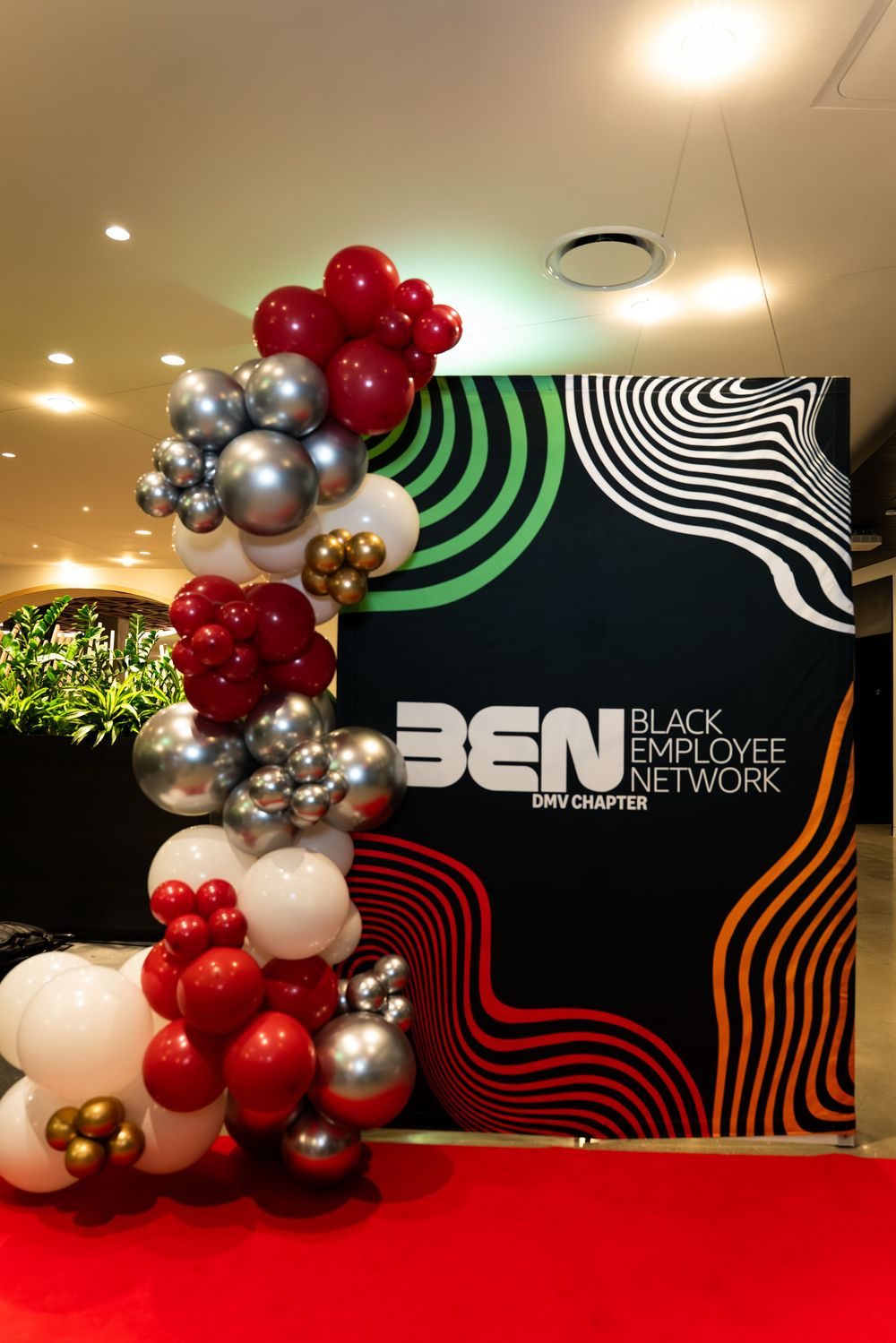
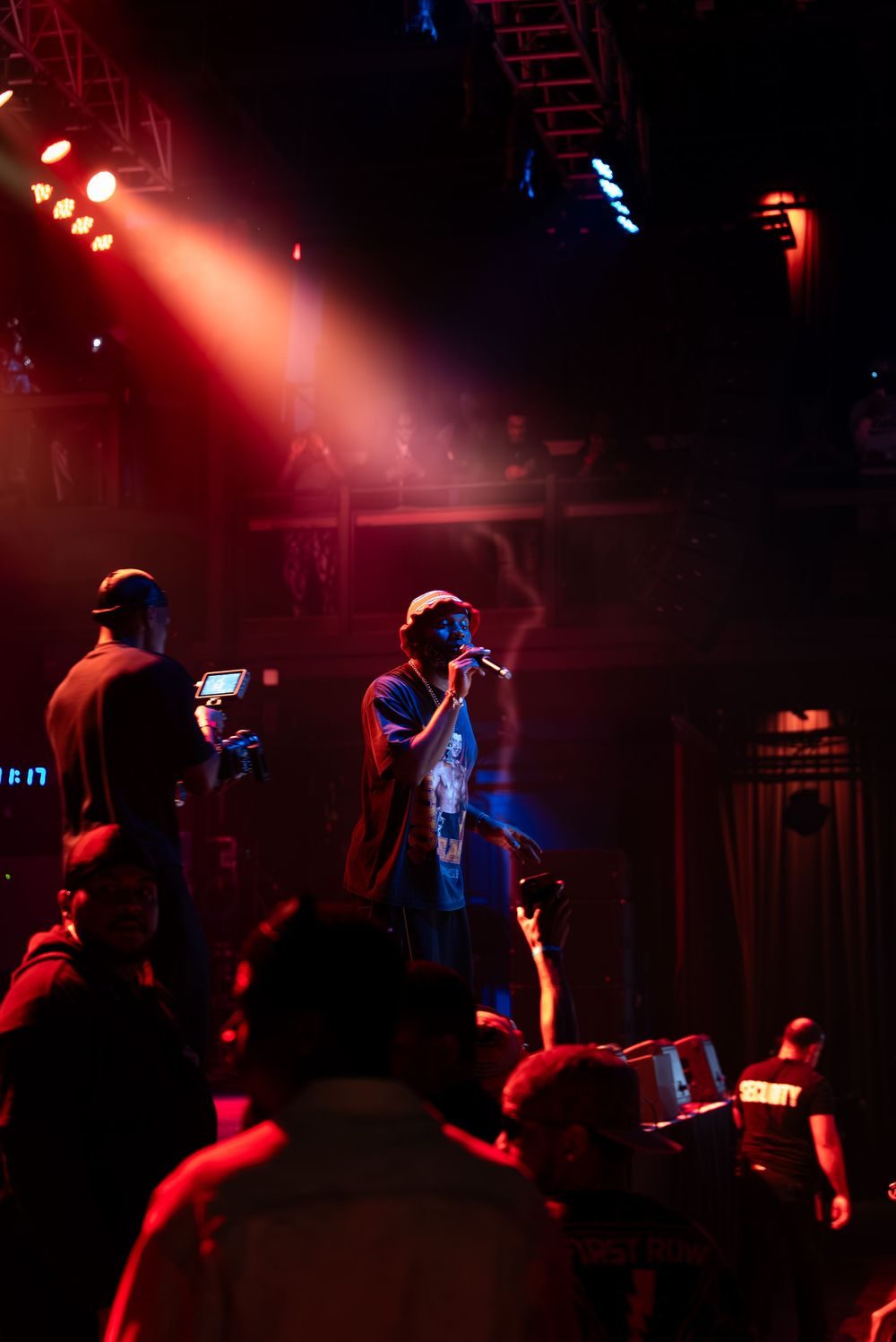
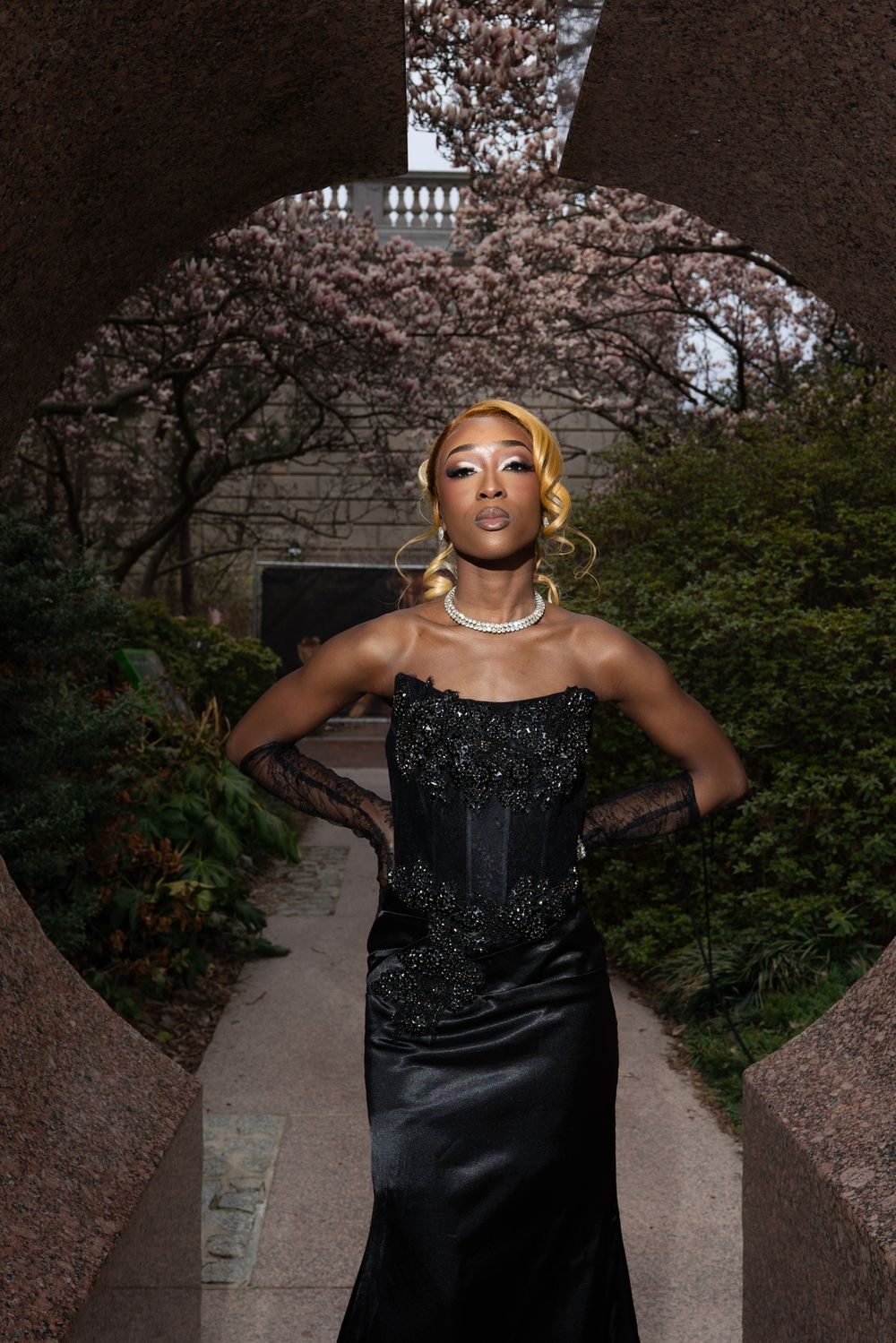
HansOnEnhancer is a one-time purchase. The free trial runs the full pipeline at full resolution with no watermark, capped at 5 photos per batch — enough to judge it on your own files. A license key lifts the cap. Both tiers ship the exact same application; Studio simply covers up to 3 Macs instead of 1.
Skip it if you shoot JPEG only, or you already hand-polish every frame — this is batch RAW polish.