Absolute-time timelines
Timeline zero is the first recording of the day. Every clip sits at its true position in seconds, so a camera that started late starts late on the timeline — real gaps preserved, not collapsed.

Multi-camera sync for editors who shoot first and sync later. Drop a shoot folder on HansOffMatch and get one timeline laid out in absolute time — every clip placed, gaps left honest, nothing dropped.
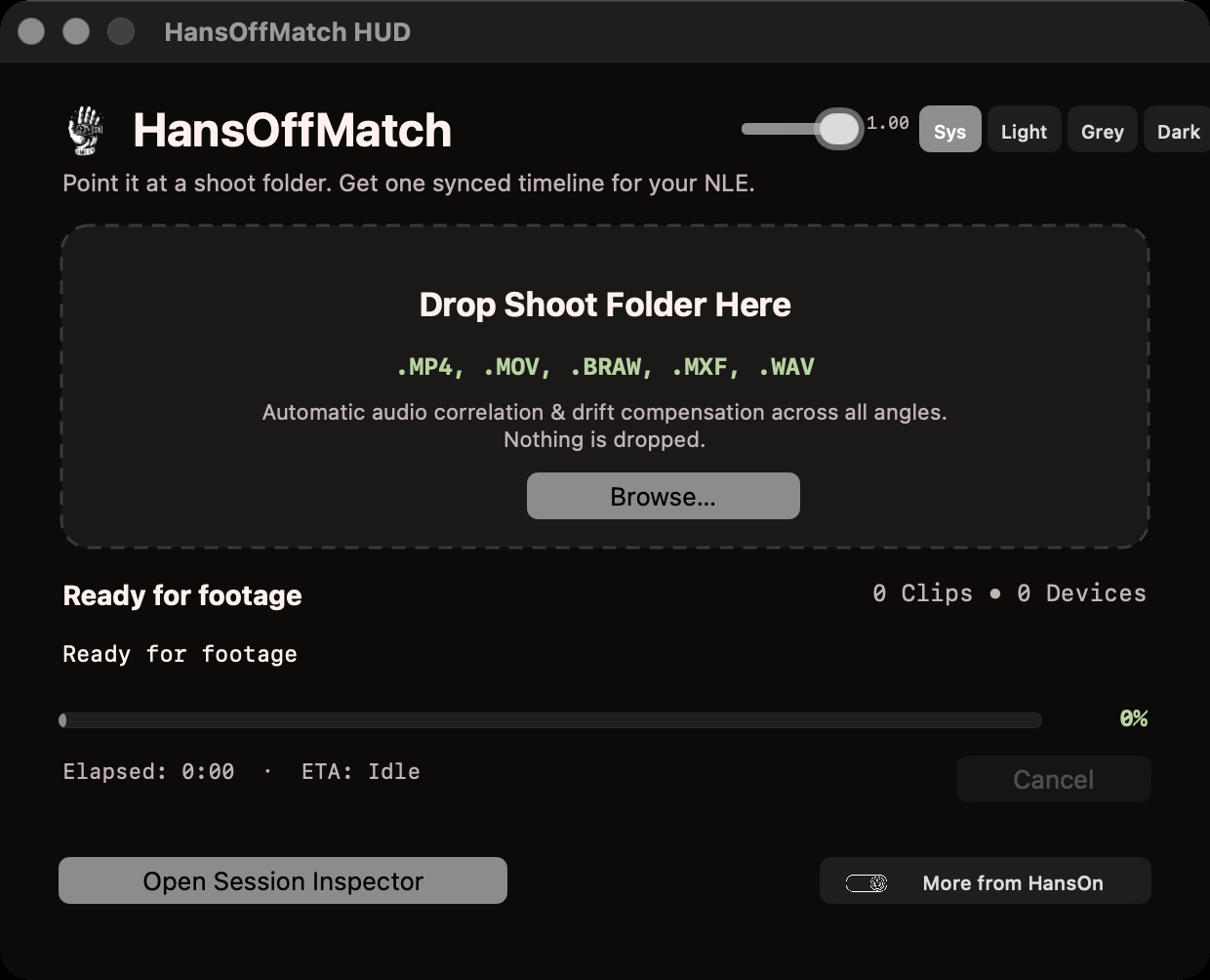
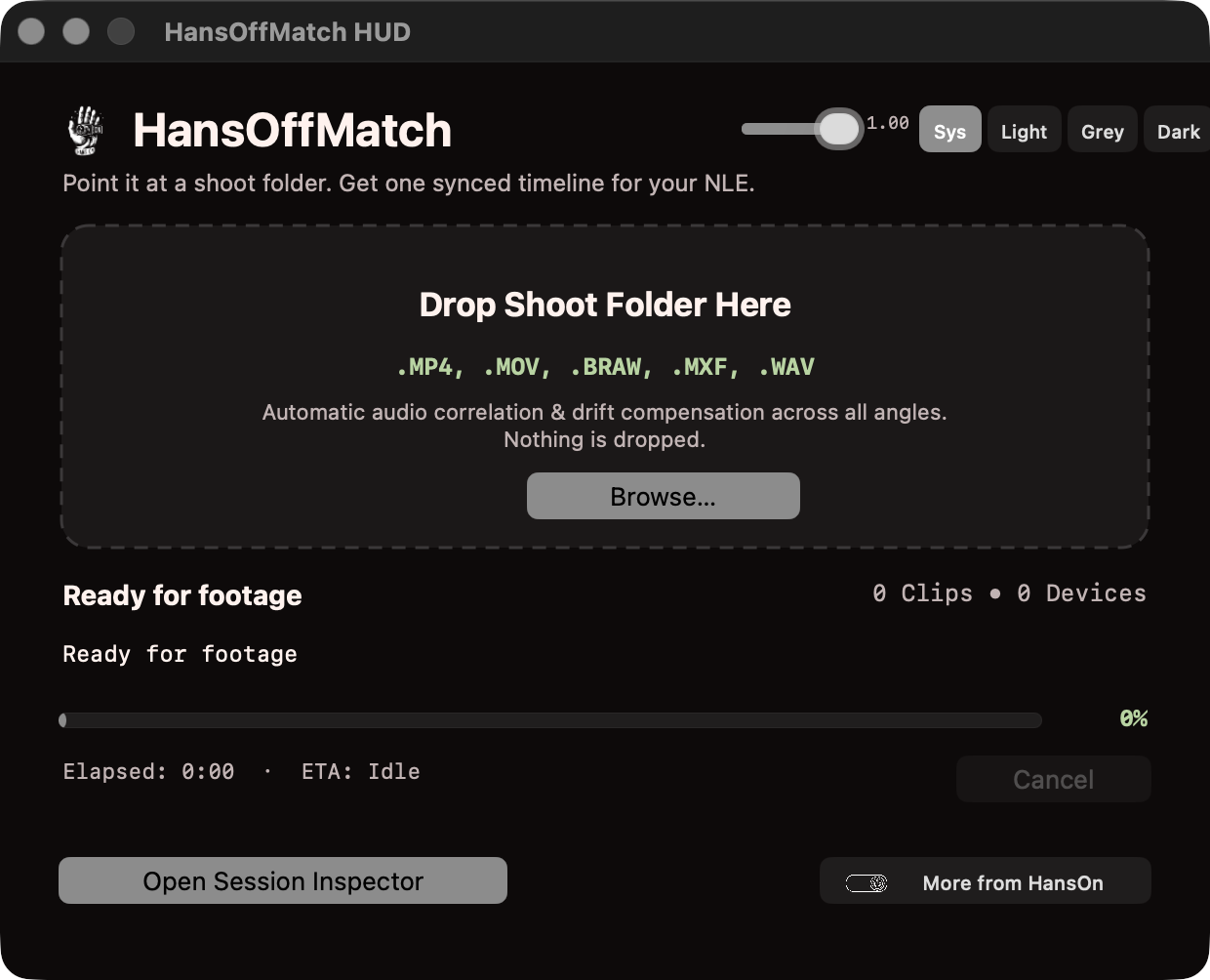
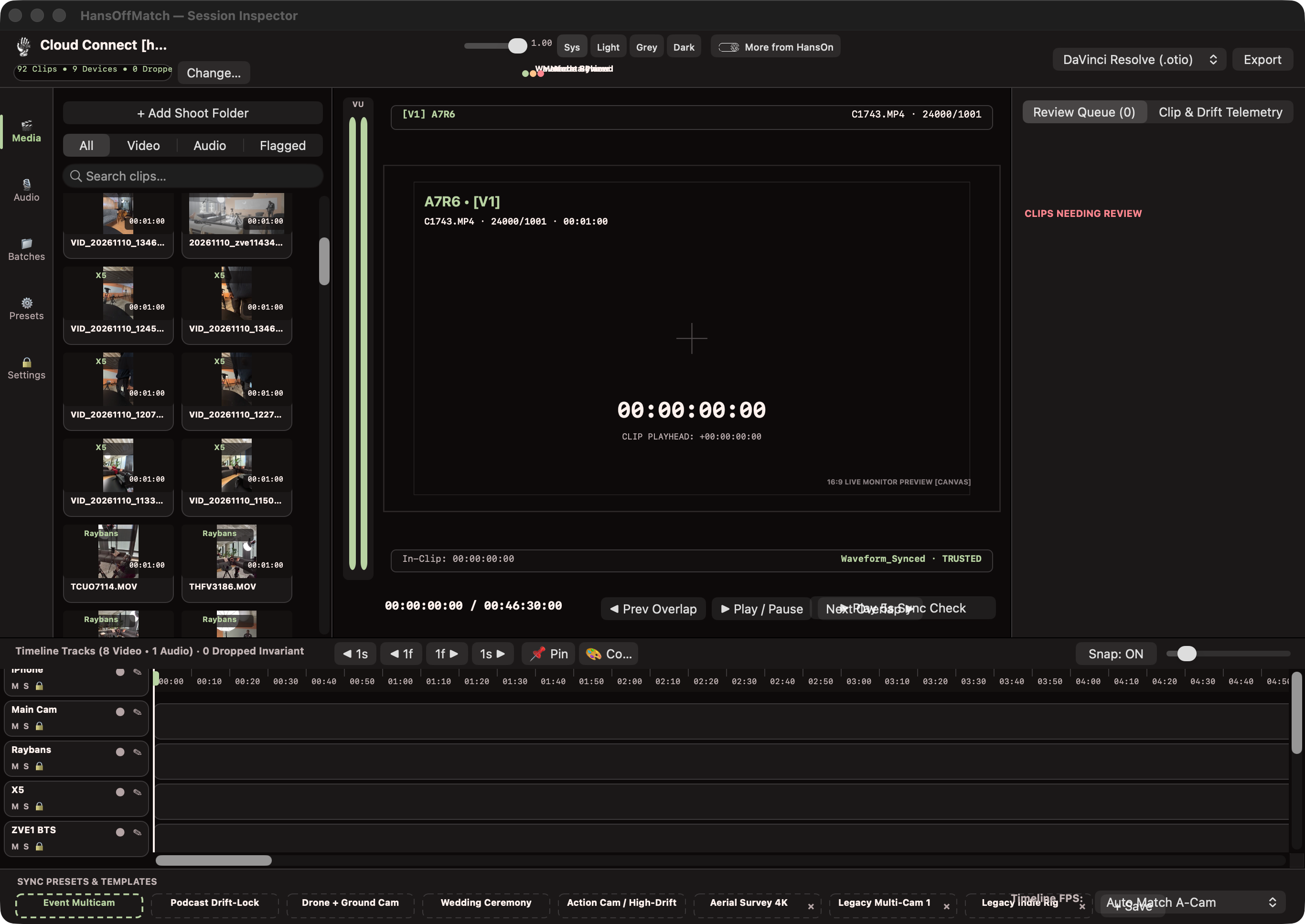
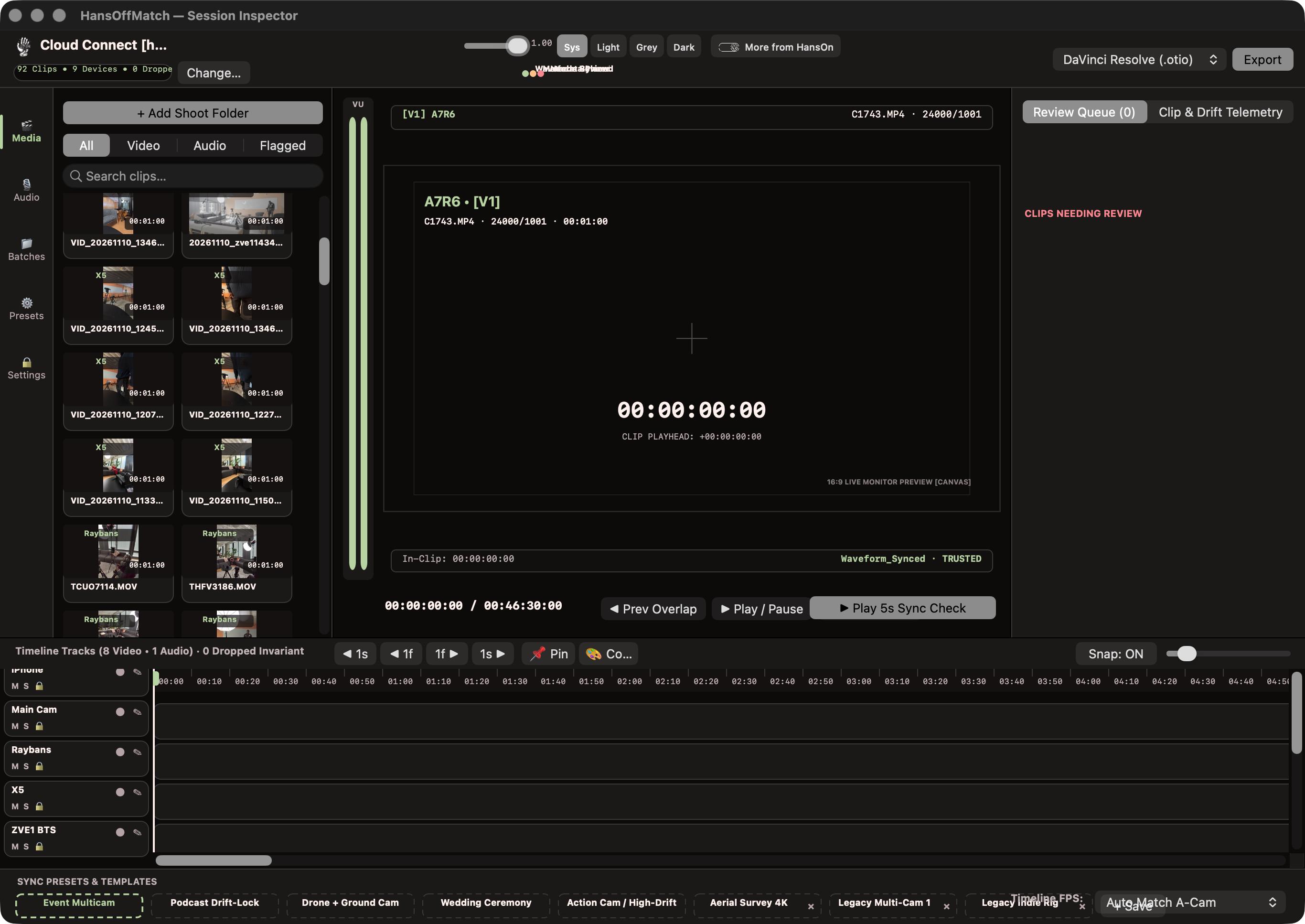
Point the drop HUD at the folder — .MP4, .MOV, .BRAW, .MXF, .WAV. The Session Inspector indexes the shoot, shows every camera and recorder it found, and lays the session out track per device while you watch it lock together.
Your media is read-only, full stop: originals are never moved, renamed, re-wrapped, or modified. The timeline exports and a sync report land in a sibling folder — Shoot [hansoff] — with original filenames intact inside the timeline.
When the timeline is right, hand it off in one click: DaVinci Resolve (.otio), Premiere Pro (.xml), or Final Cut Pro (.fcpxml).
Timeline zero is the first recording of the day. Every clip sits at its true position in seconds, so a camera that started late starts late on the timeline — real gaps preserved, not collapsed.
The 0-dropped invariant: every ingested clip lands somewhere — waveform-synced, metadata-placed, or flagged for review. A clip you shot is a clip you can find.
Clips with usable audio are correlated by waveform. Long recordings get linear clock-drift compensation, so the end of a ceremony or a keynote stays as locked as the start.
Drones and MOS B-roll have no audio to sync. They're placed from their embedded device-clock metadata, calibrated against the audio-synced cameras around them.
Anything that can't be placed with confidence is flagged with the reason and parked in a review tail past the end of the timeline — visible and easy to check, never buried inside the multicam stack.
Each clip keeps its native frame rate as an exact rational and positions are computed in seconds, so 23.976, 29.97, and phone VFR clips coexist without offline-media surprises.
Saved templates for the shoots you repeat — Event Multicam, Podcast Drift-Lock, Wedding Ceremony — plus your own, so a familiar setup starts from a familiar place.
The full engine runs on your Mac. No uploads of client footage, no cloud processing, no account to sign into before a deadline.
An unlicensed install runs the full sync engine on your whole shoot, so you can watch your own footage lock together before you pay anything. Timeline export is capped at 15 clips in trial mode; a license key lifts the cap. Both tiers ship the exact same application — Studio simply covers up to 3 Macs instead of 1.
Skip it if your cameras already run jam-synced timecode boxes that drop straight onto the timeline.